 trildaScan
trildaScan turns a printed code into useful information. Point the camera: the app recognises the code, works out what it holds, and fetches the matching record when one exists.
| Status | In development, not yet published |
| Platforms | Android · iOS · Desktop · Web |
| Languages | English · French |
| Built with | Kotlin · Kotlin Multiplatform · Compose Multiplatform · Koin · KSP · Coil · Coroutines · Flow · SQLDelight · ML Kit · AVFoundation · CameraX · ZXing · Navigation 3 · Material 3 · Ktor · kotlinx.serialization |
| Source code | Private |
| Publisher | trildaDevCenter |
| License | Proprietary |
| Copyright | © 2025-2026 trildaDevCenter, Paul Plaquette. All rights reserved. |
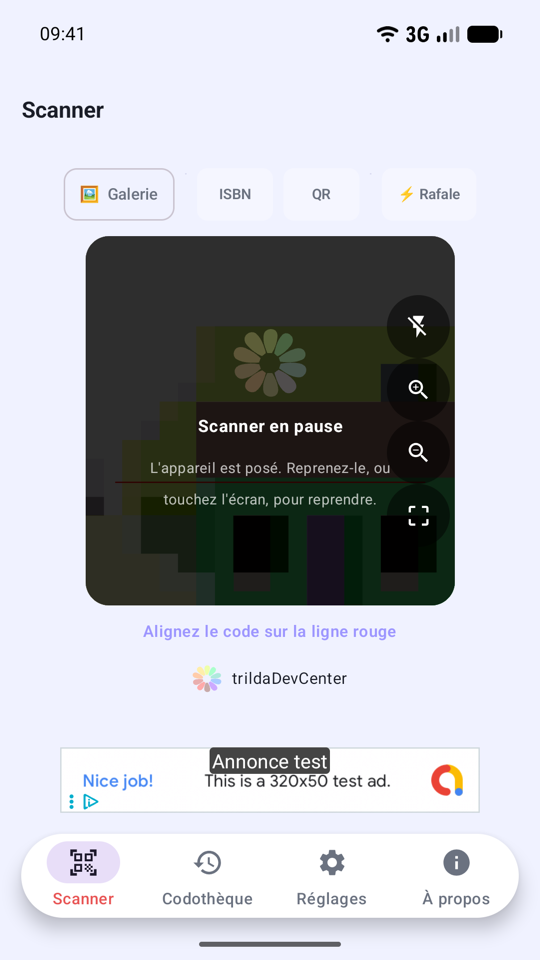
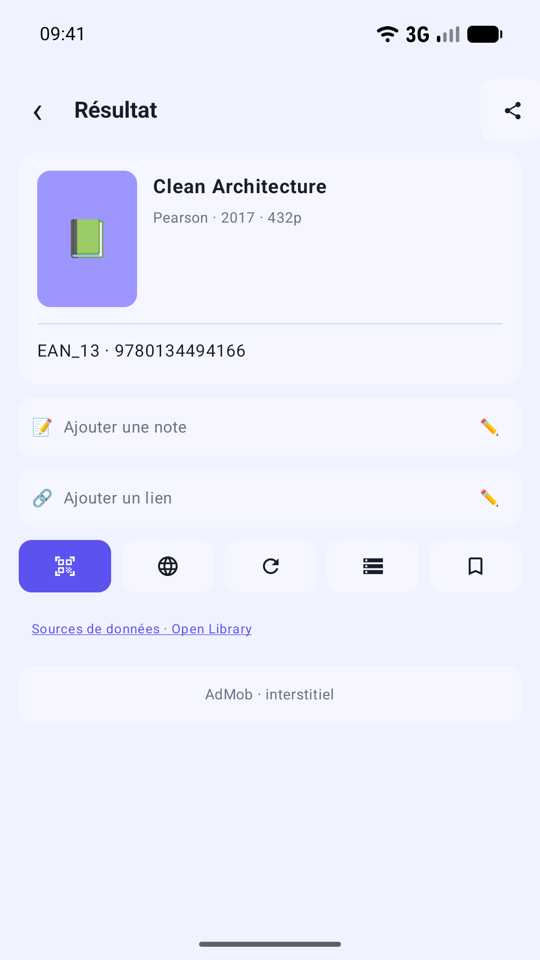
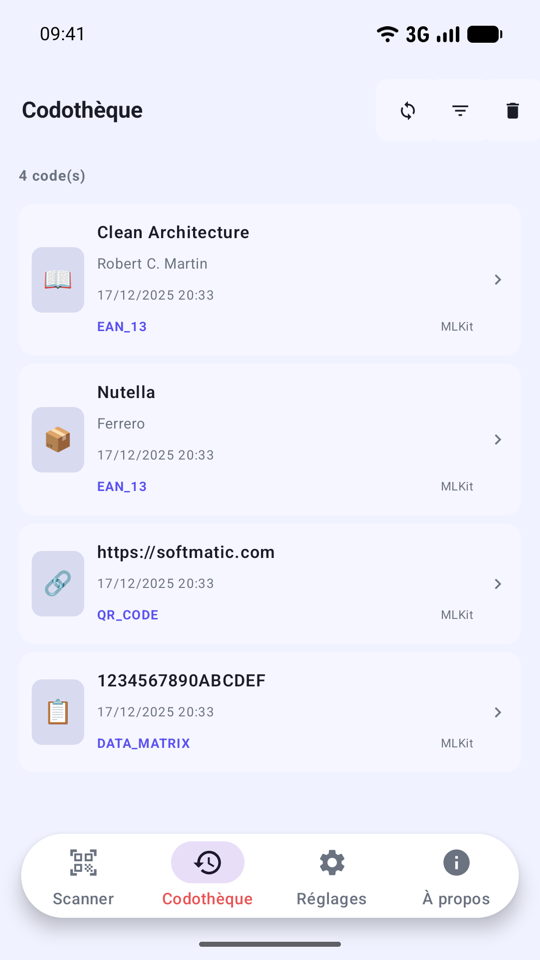
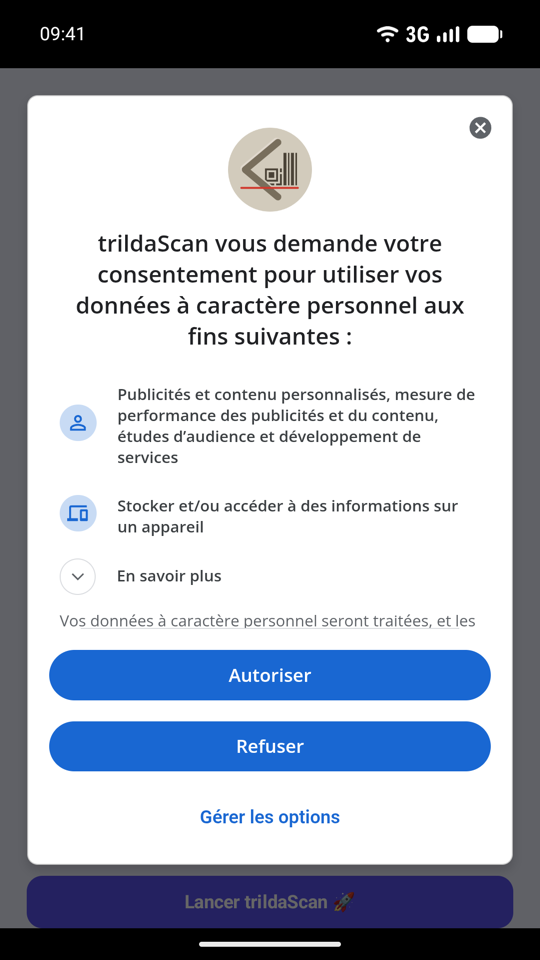
Screenshots
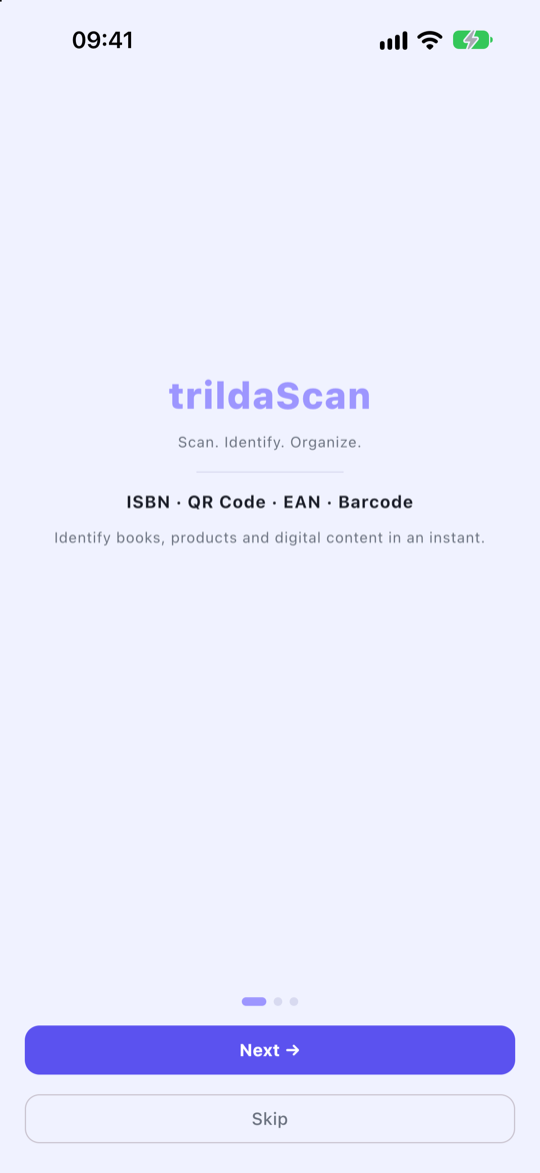
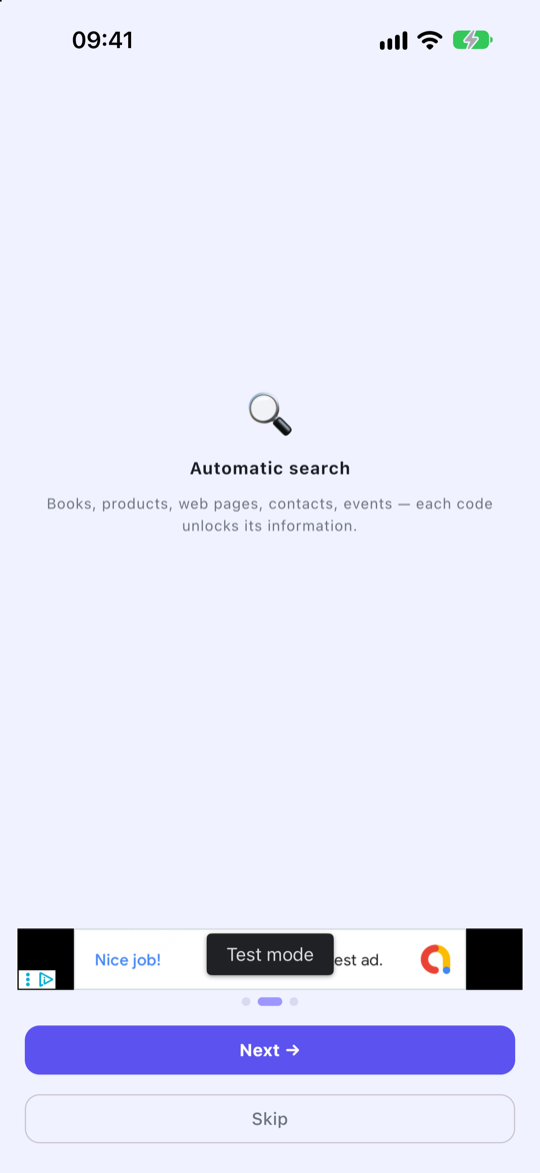
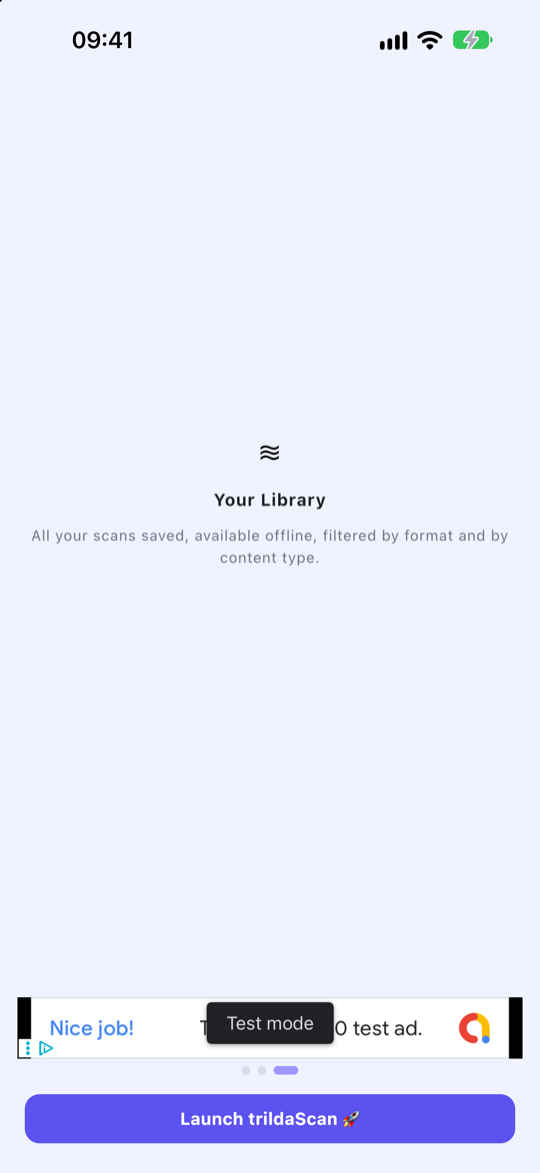
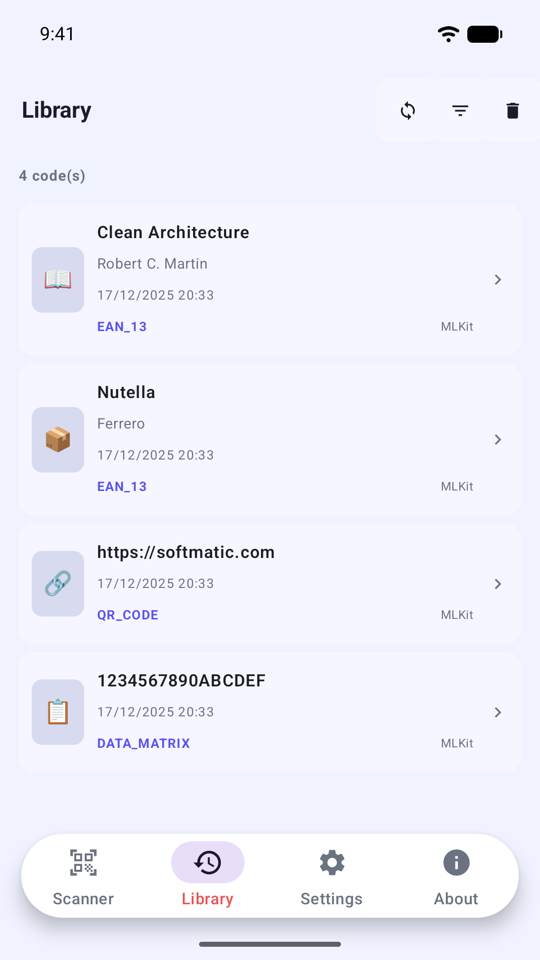
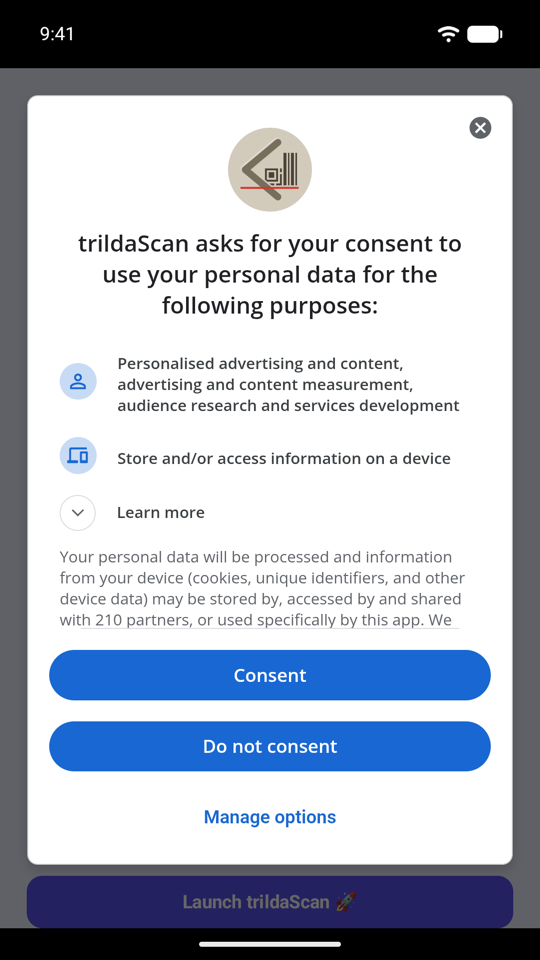
English, on iPhone
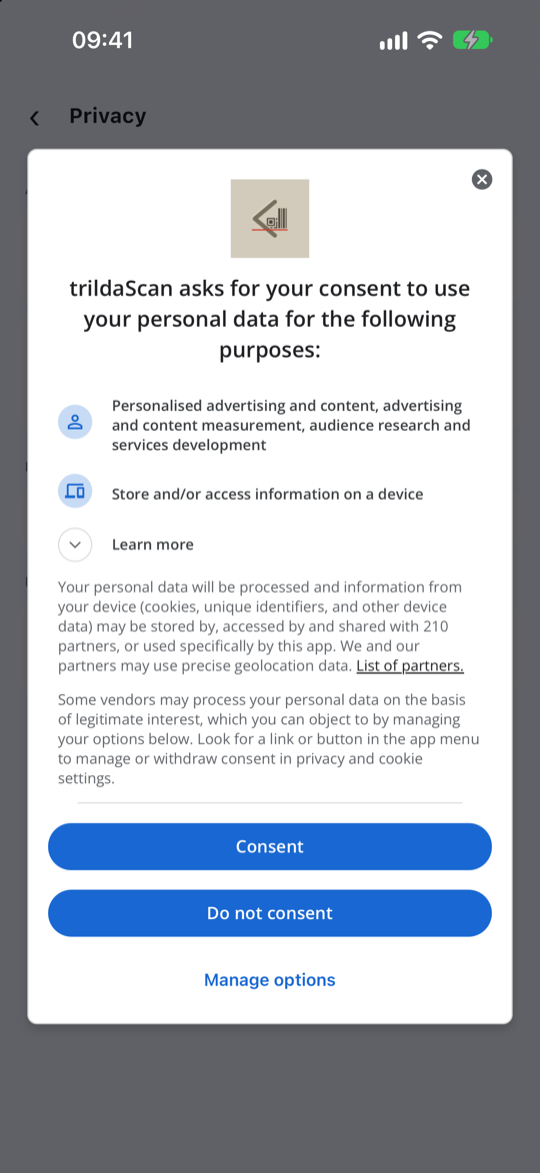
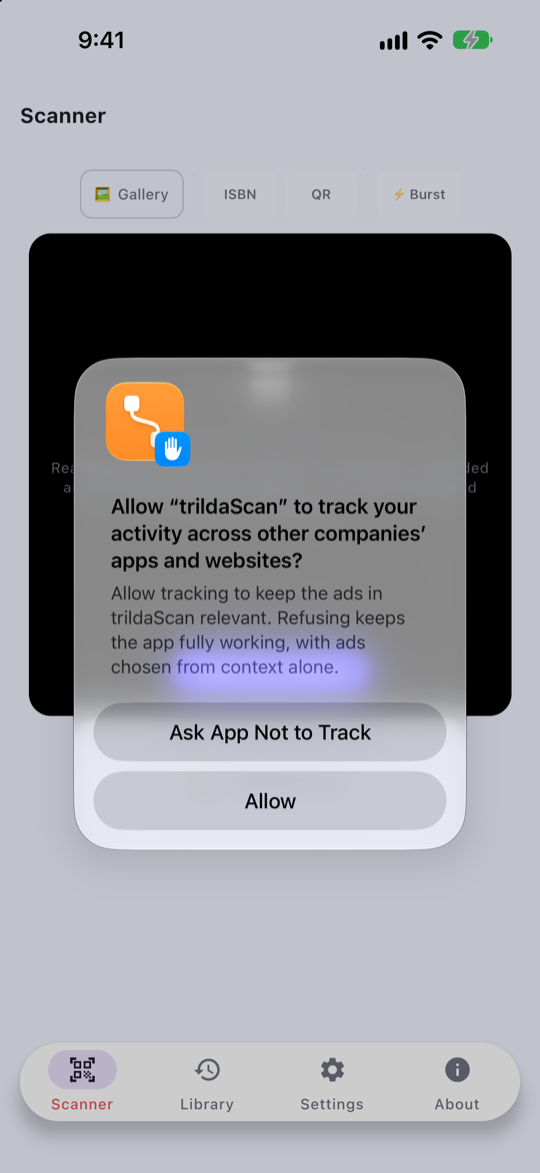
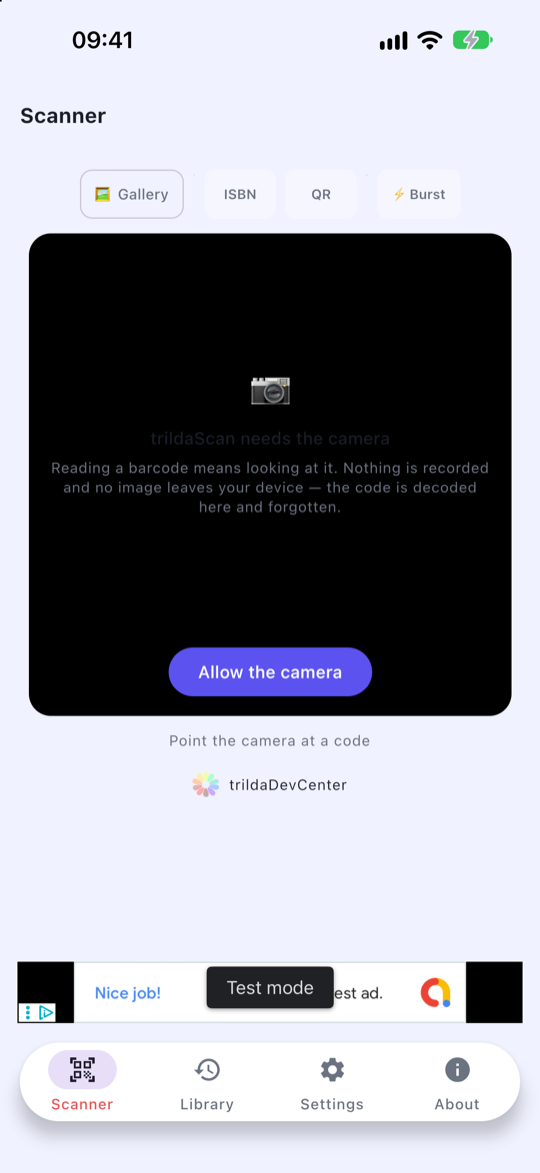
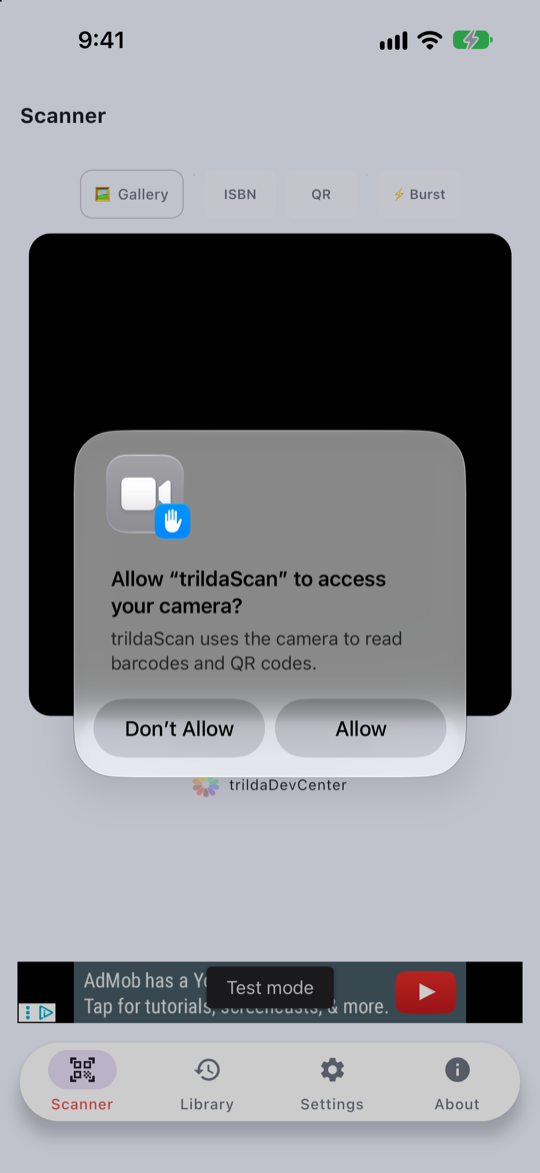
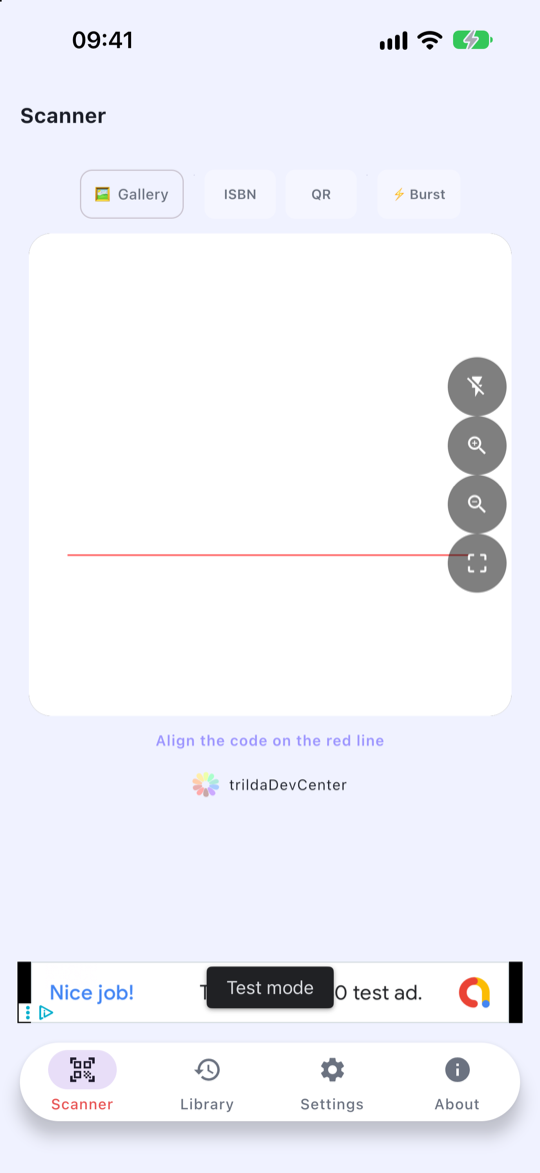
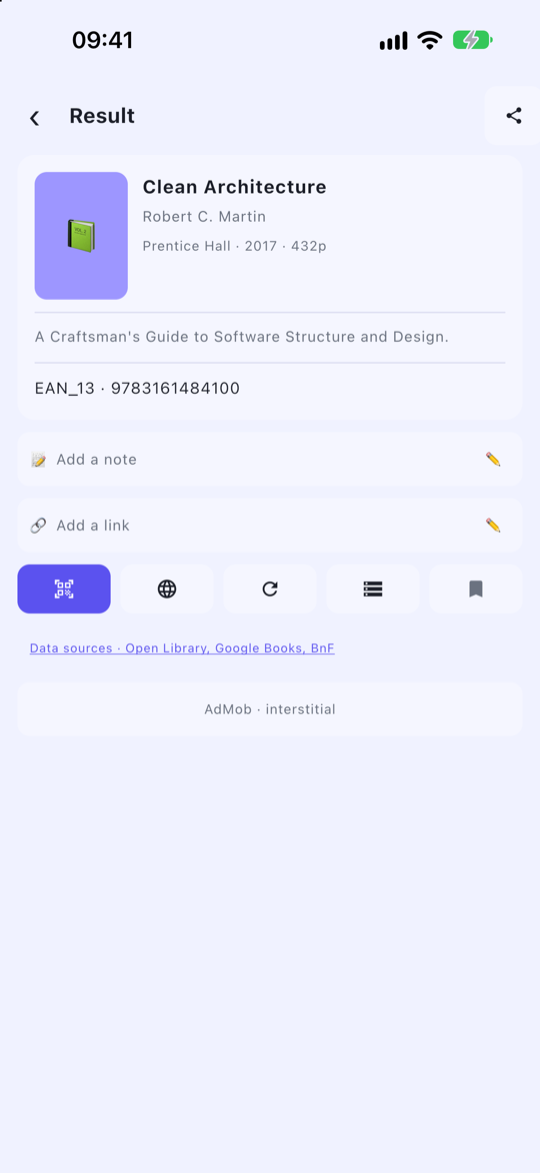
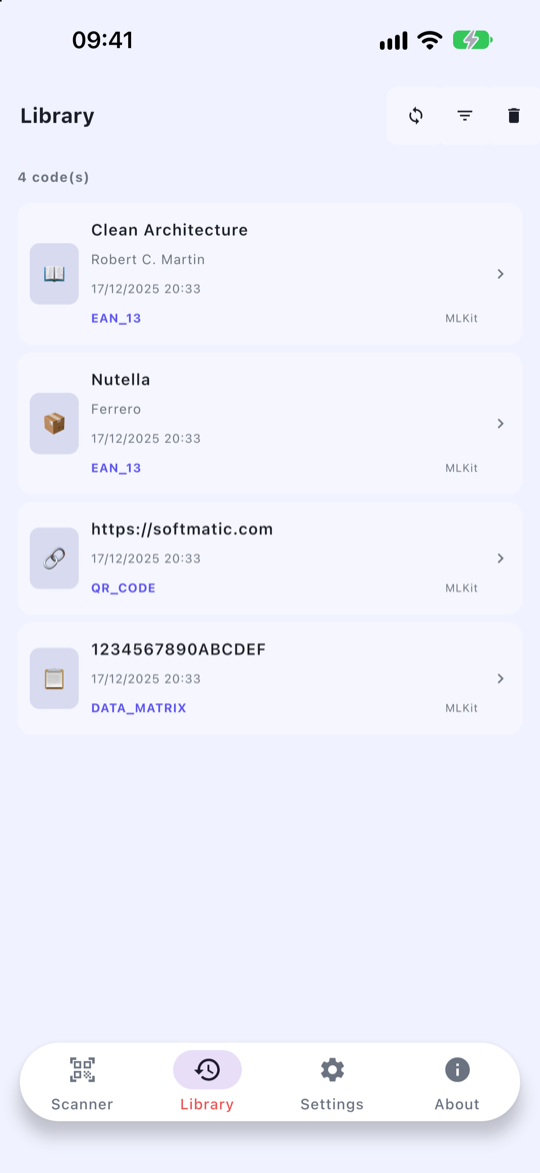
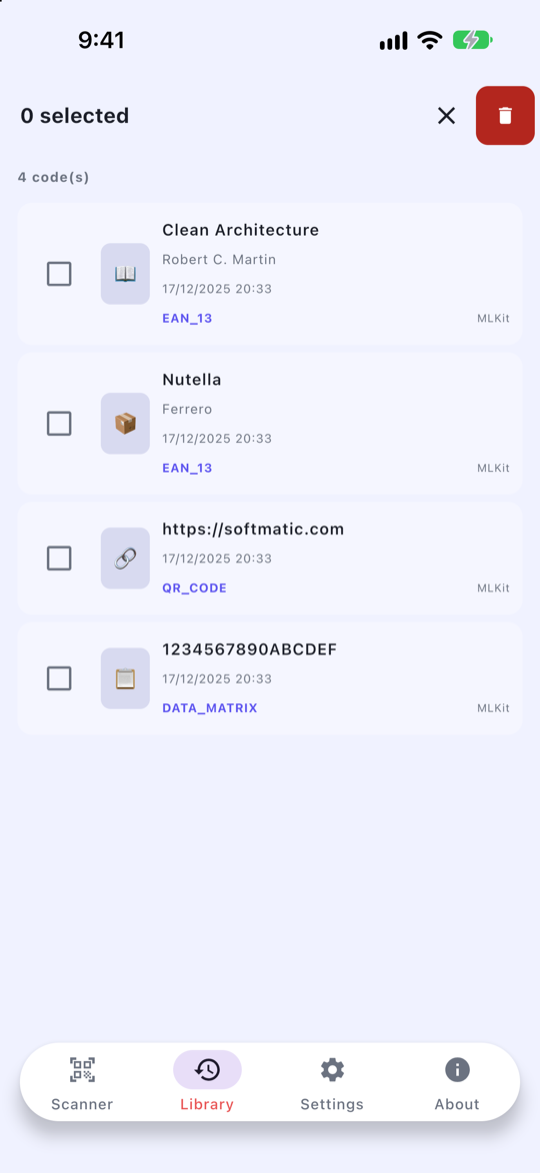
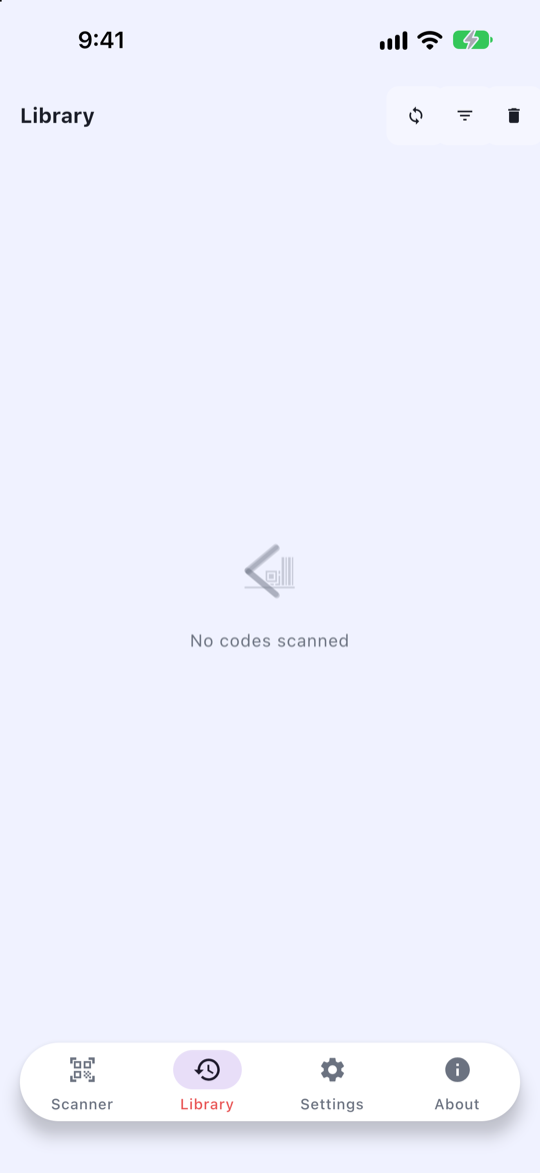
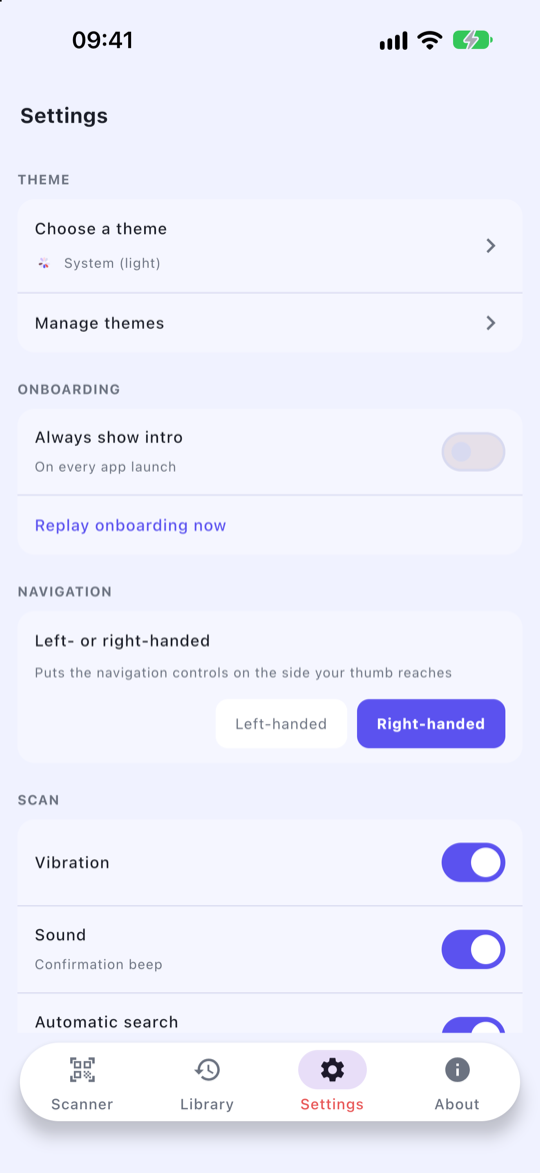
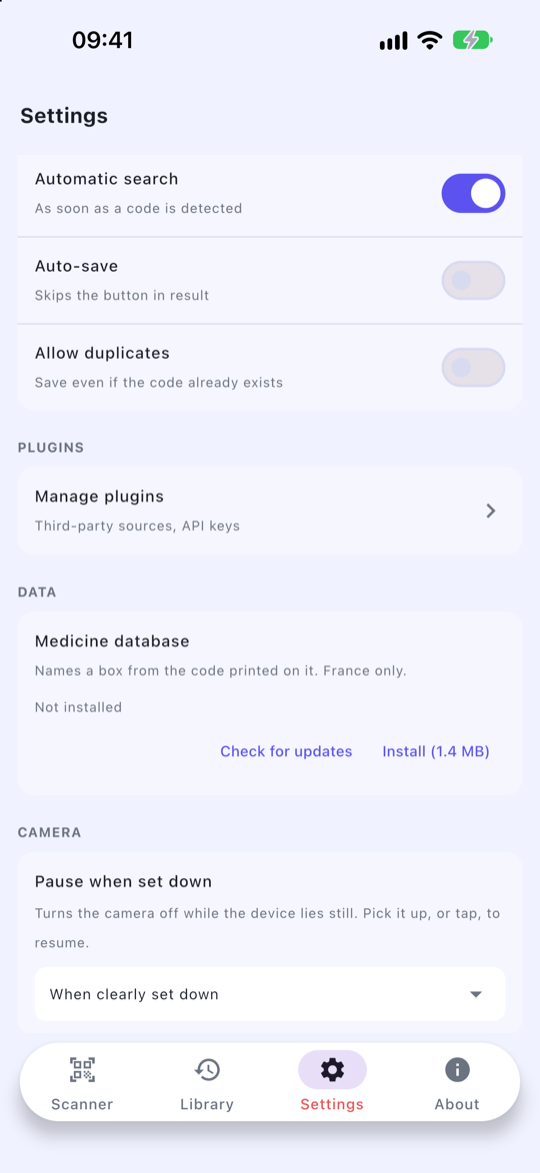
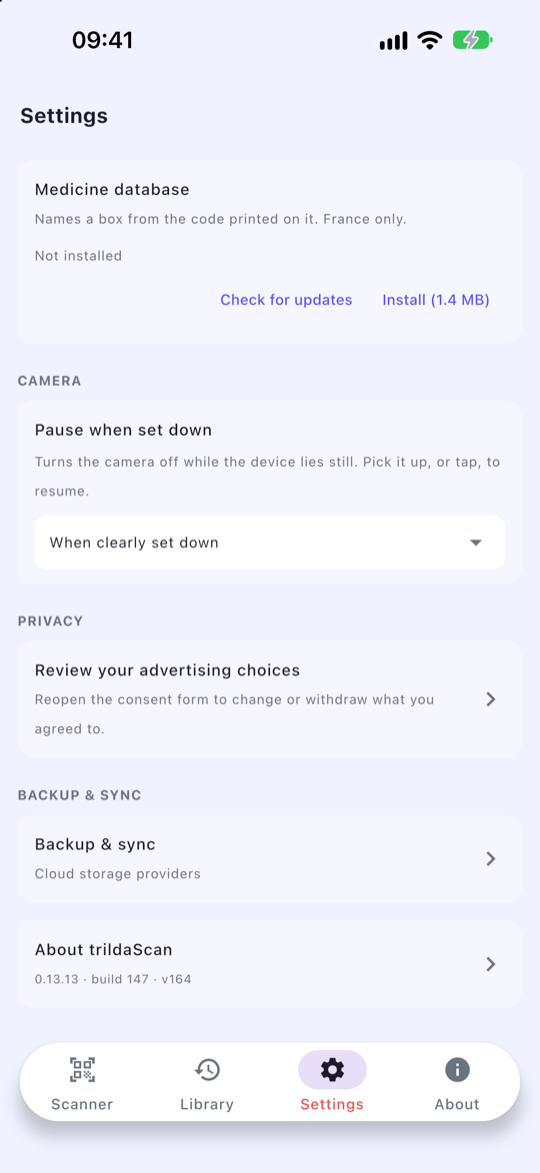
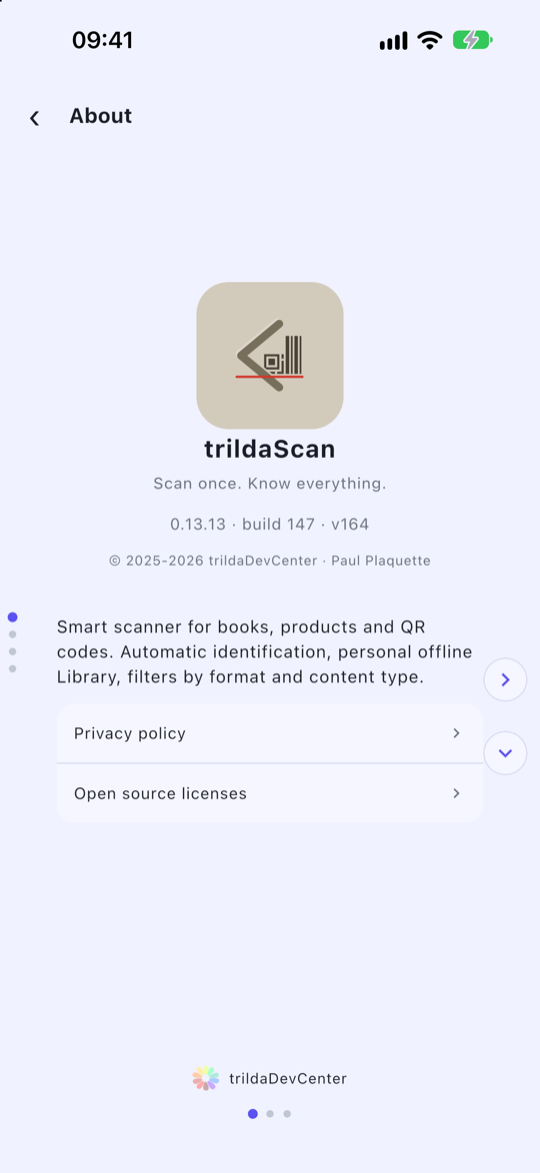
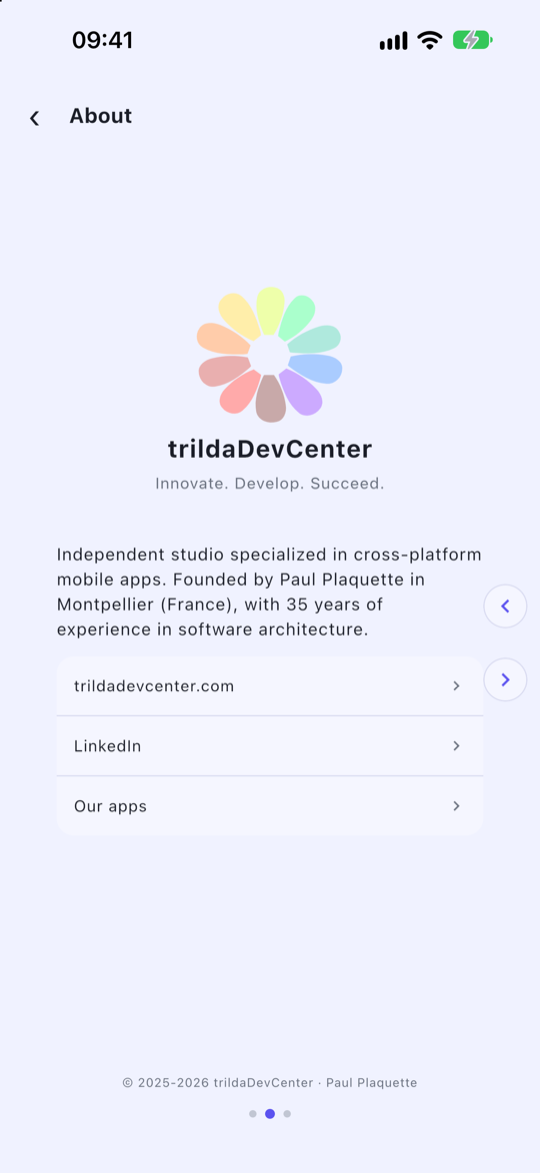
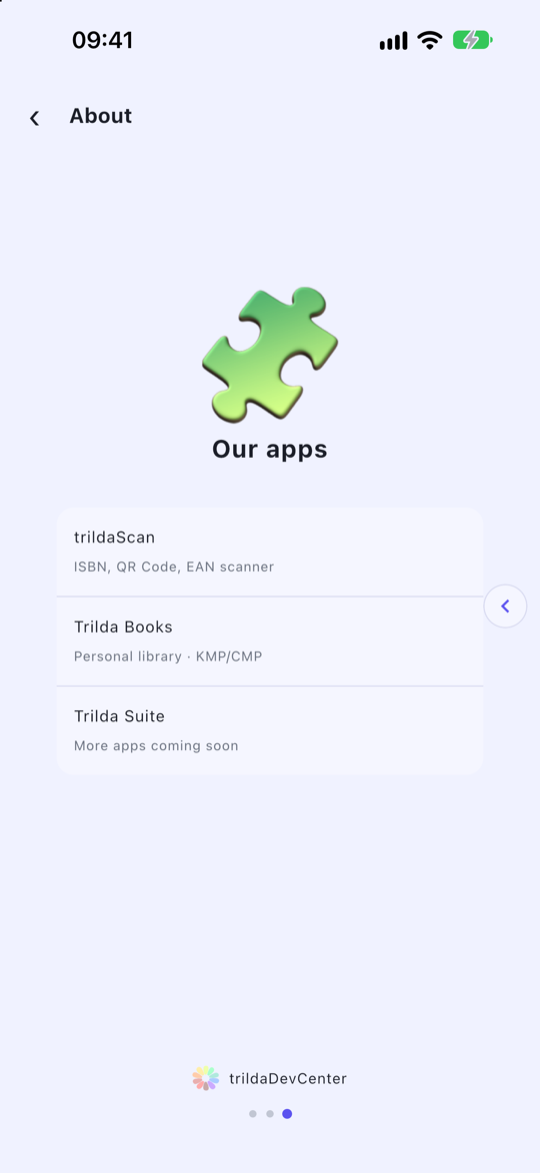
French, on iPhone
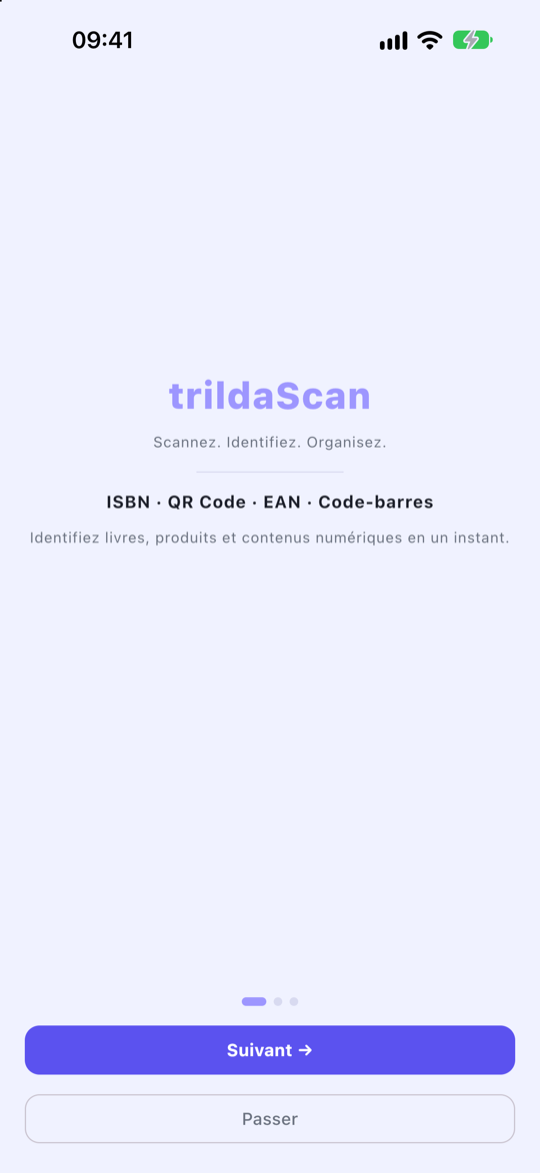
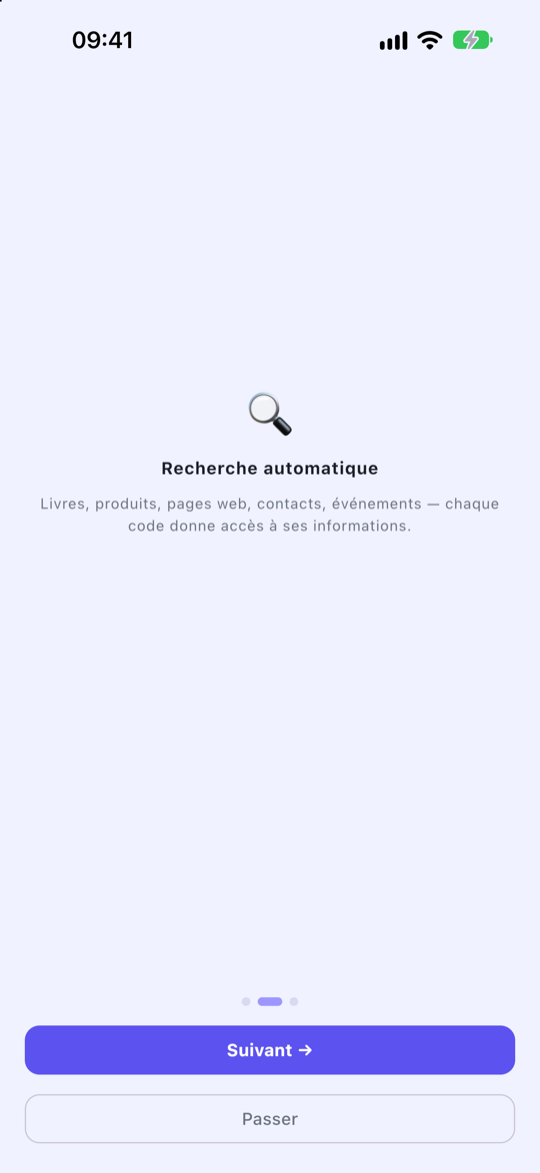
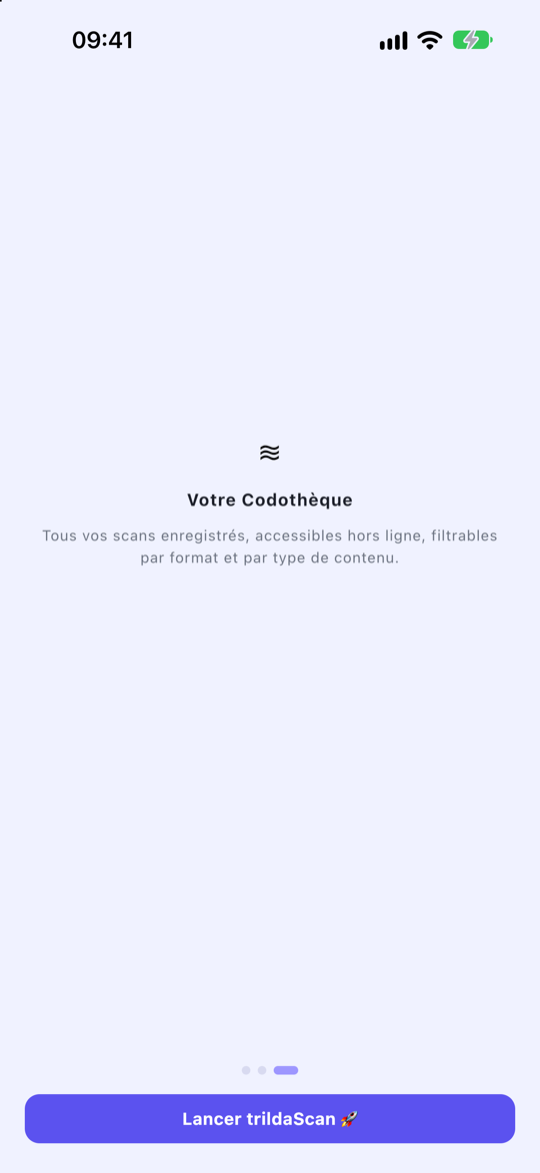
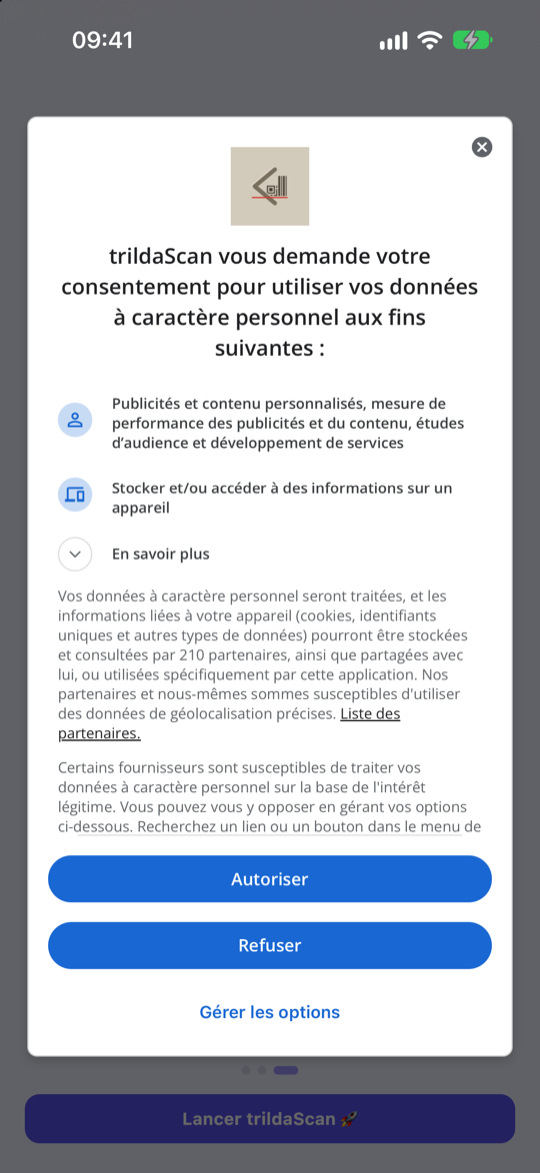
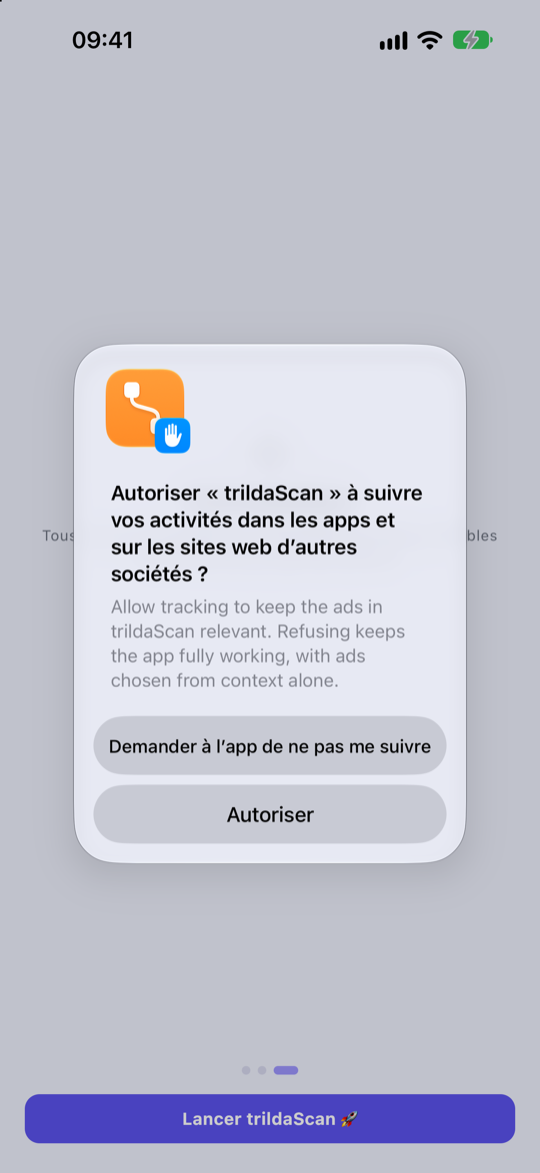
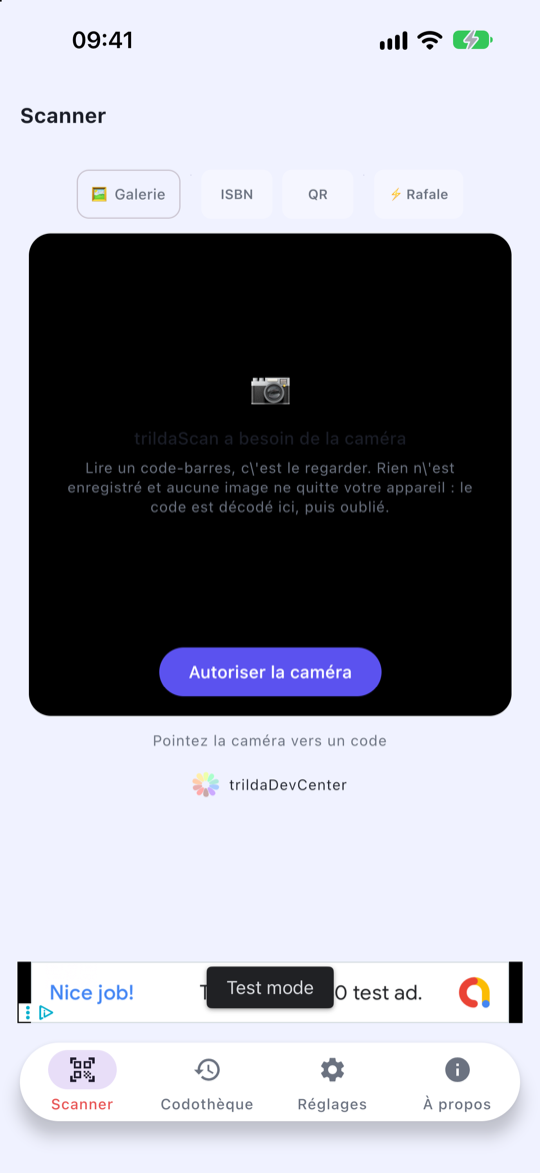
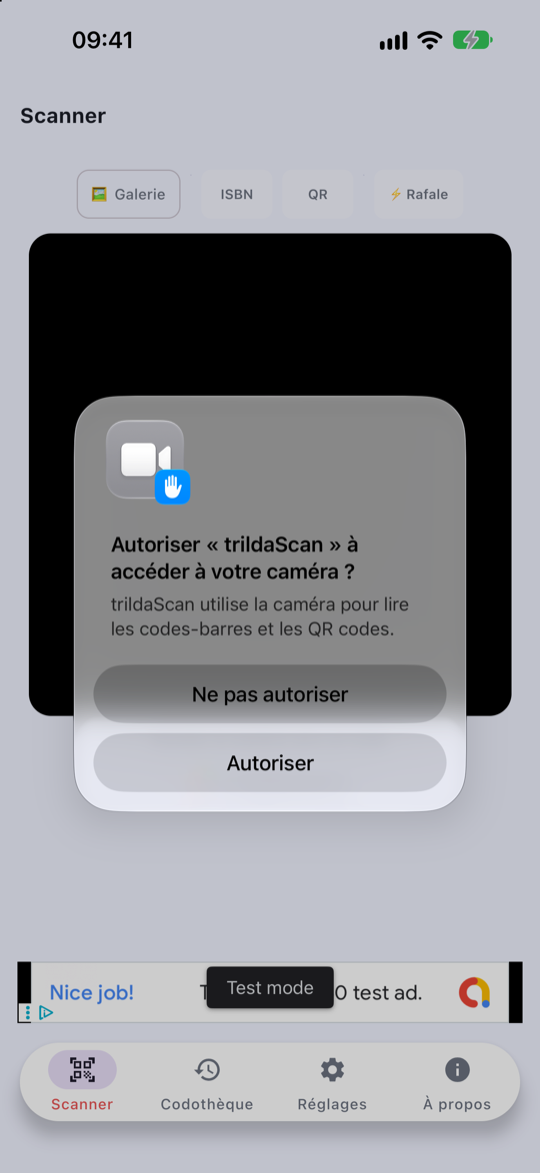
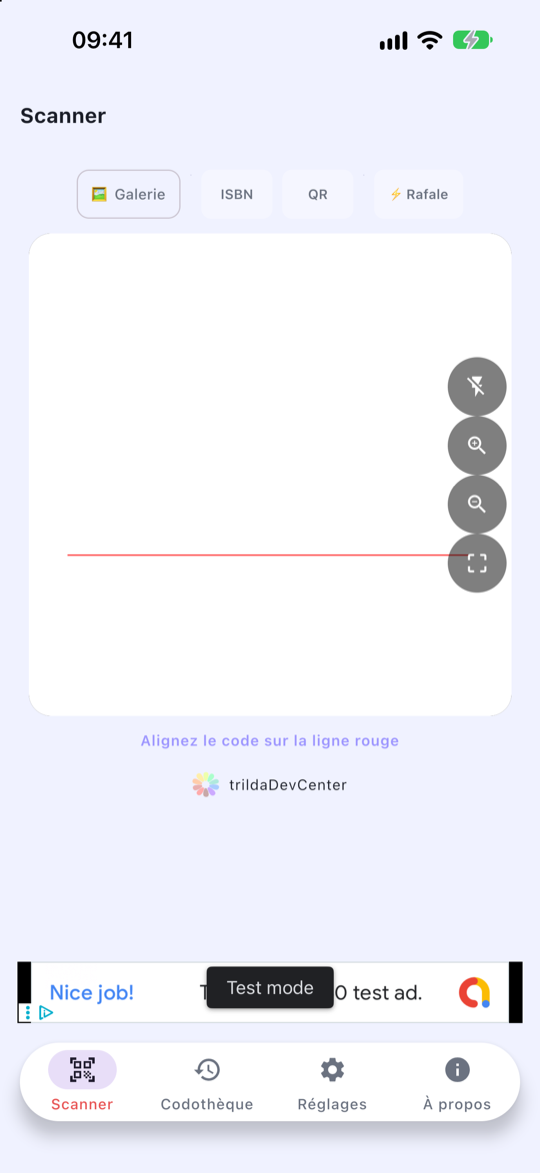
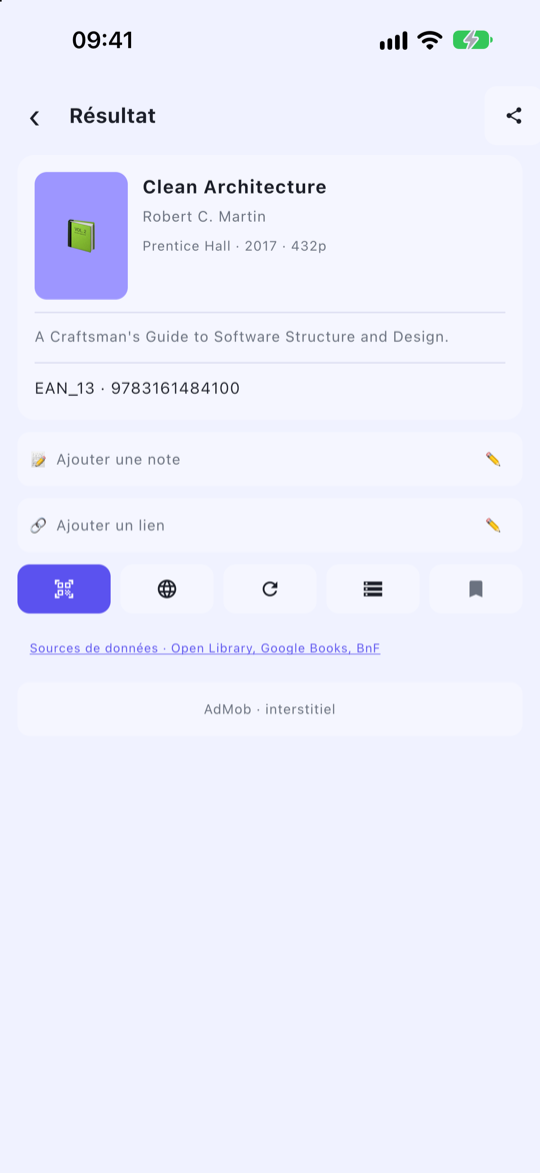
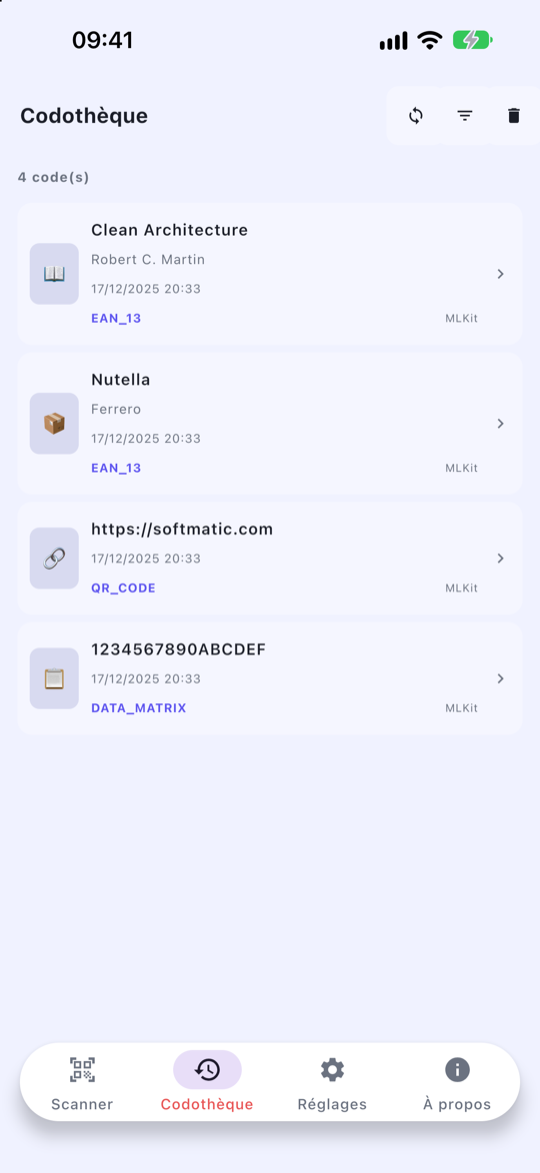
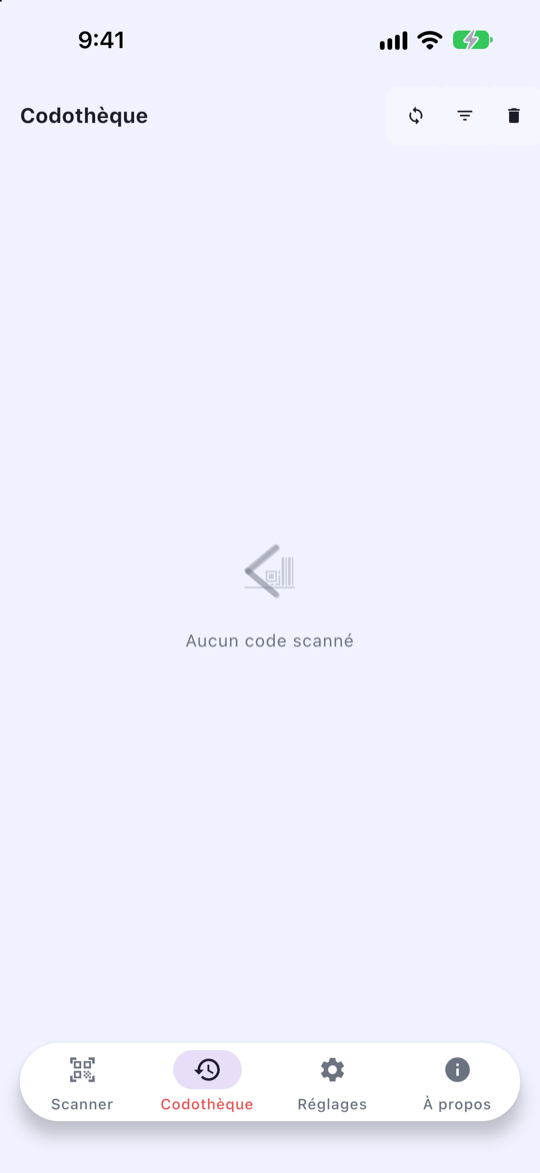
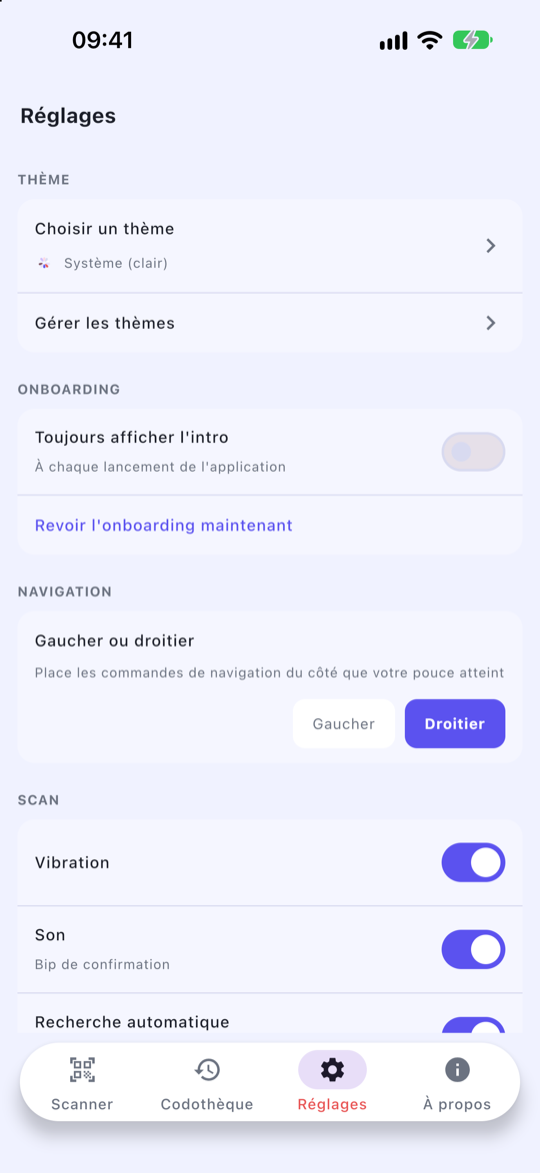
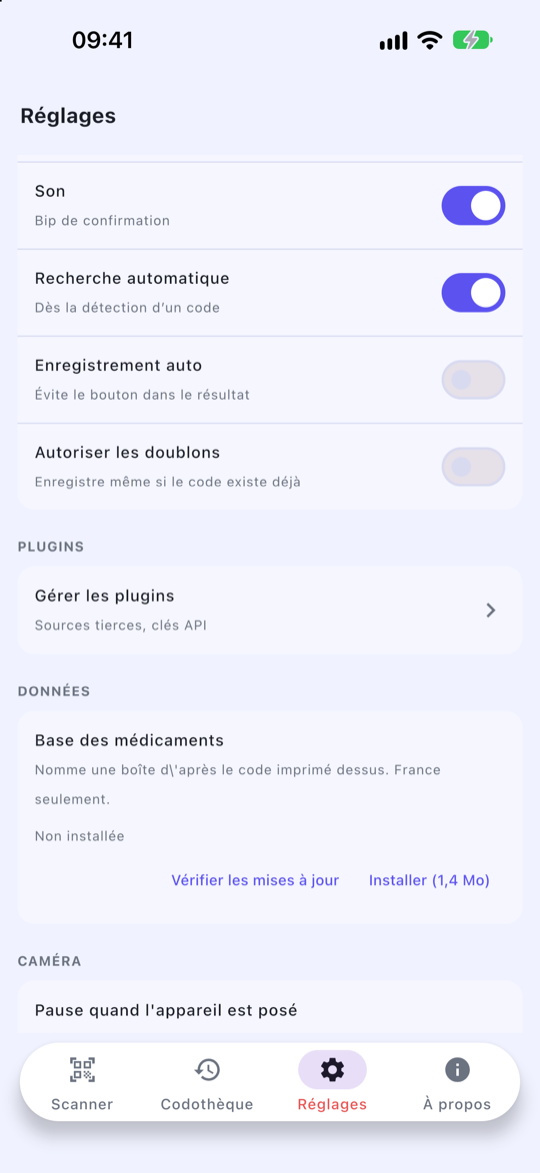
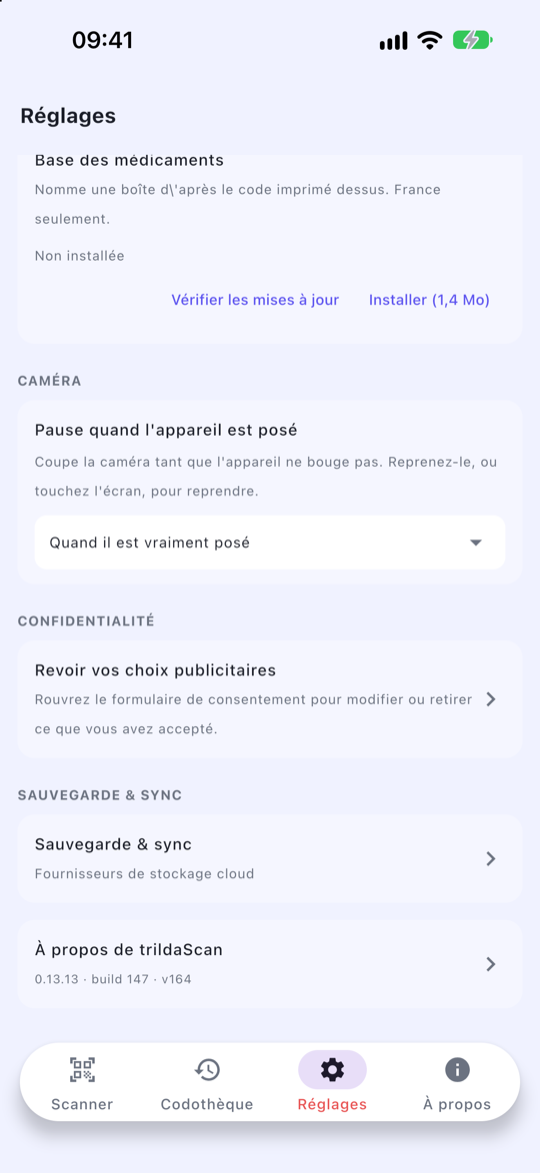
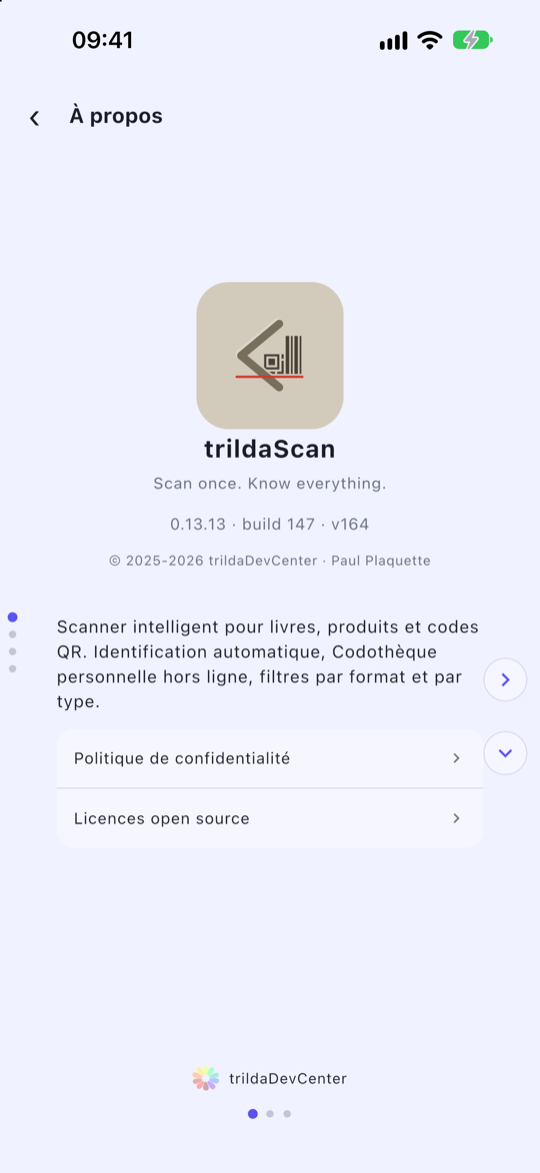
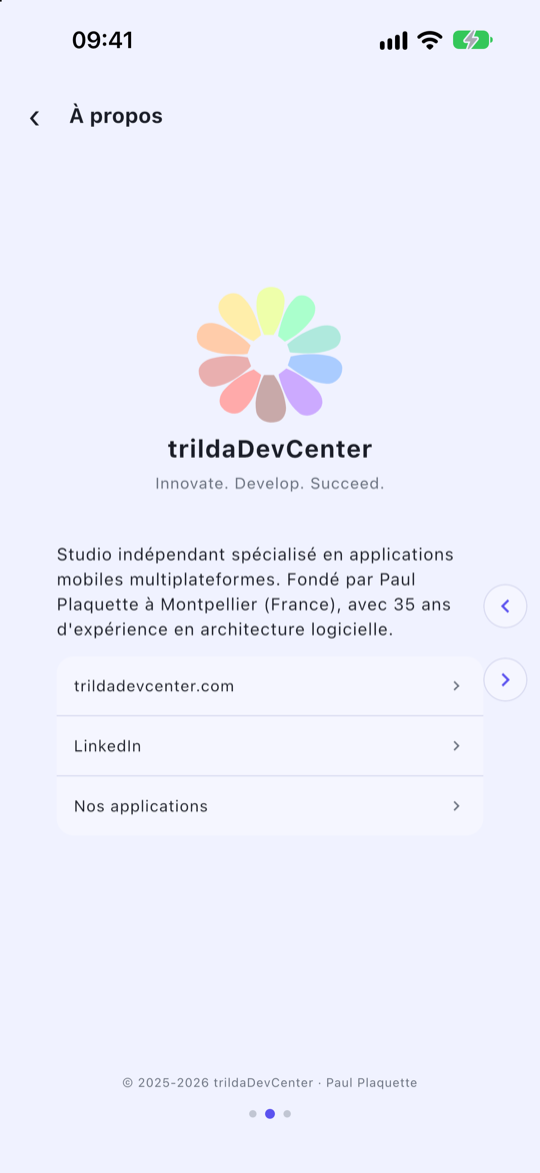
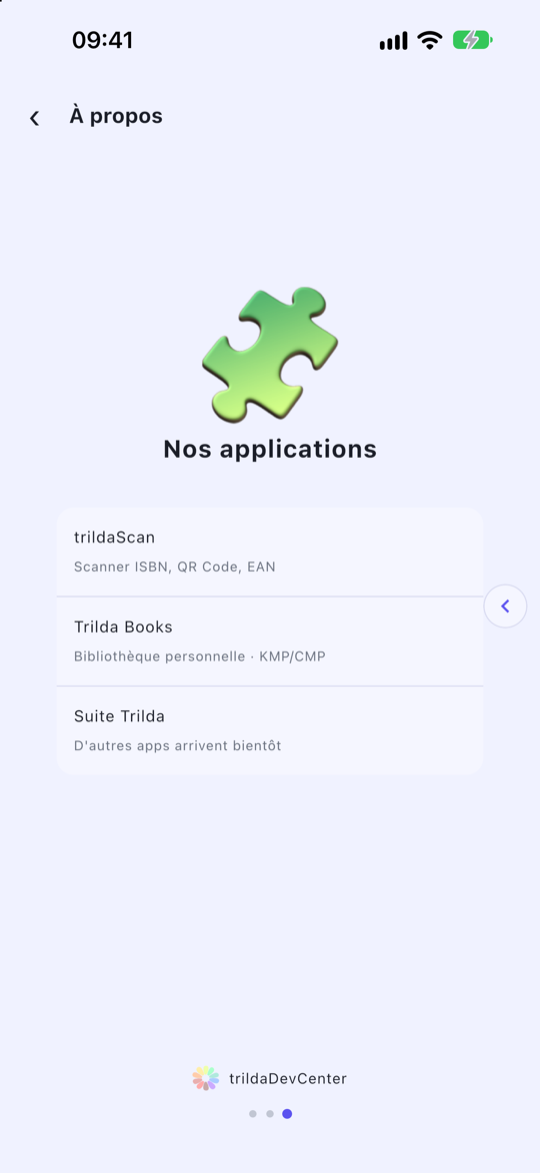
Version 0.13.13 (147), iPhone. Google's ads are test ads.
English, on Android
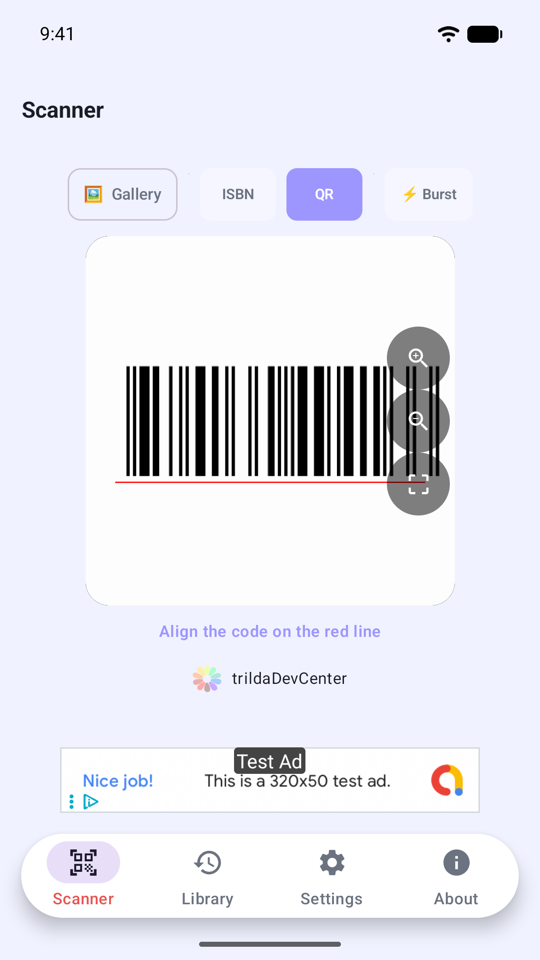
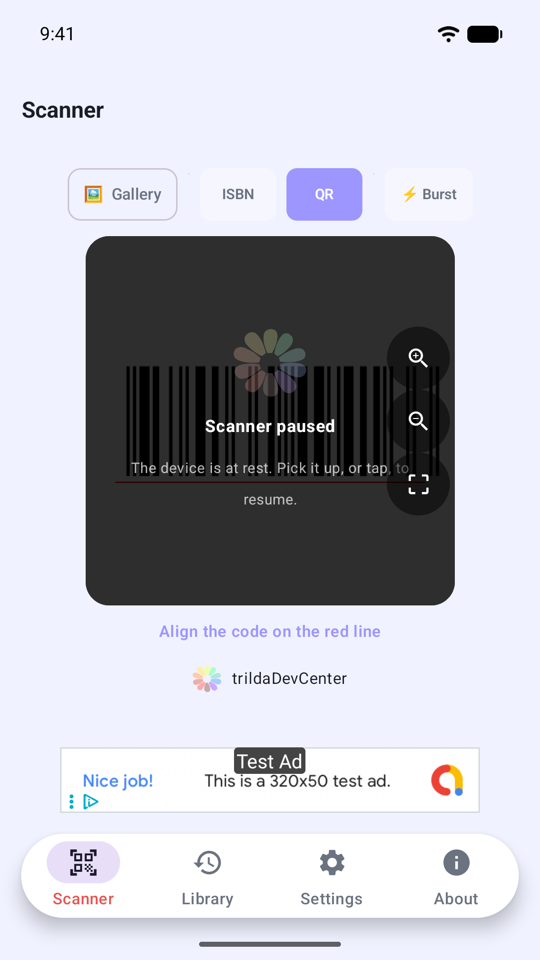
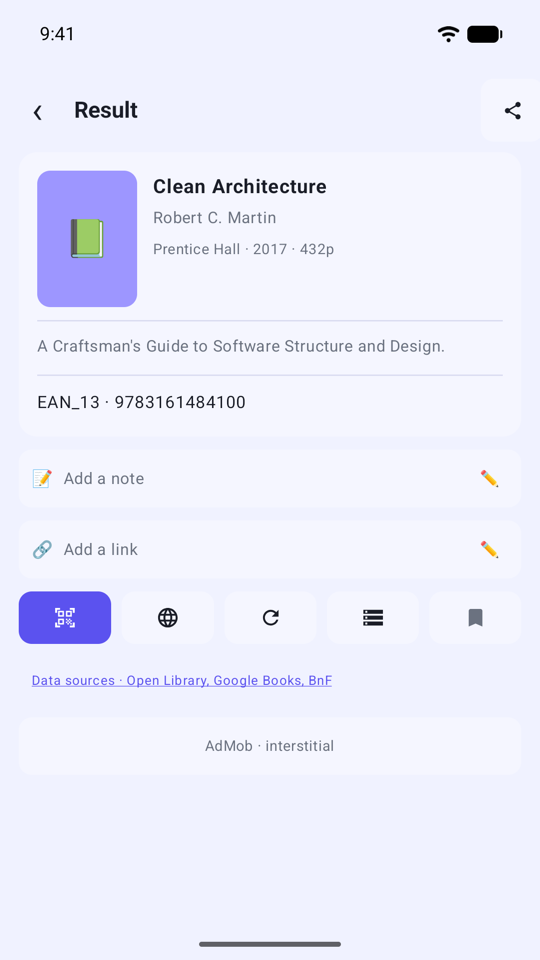
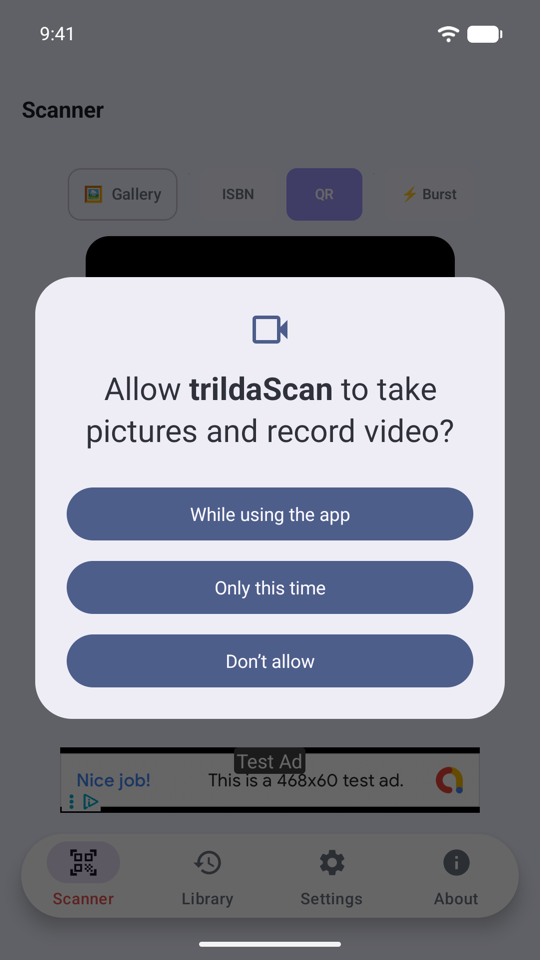
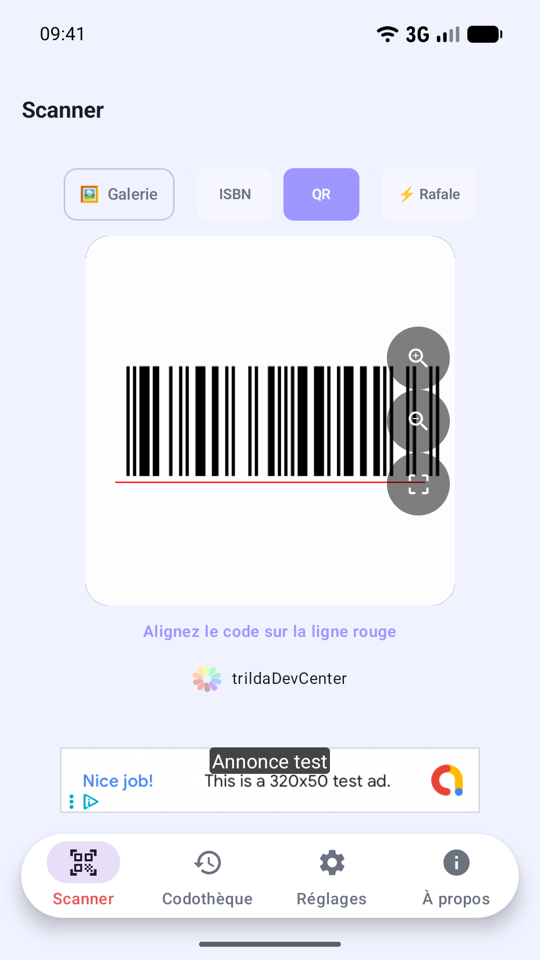
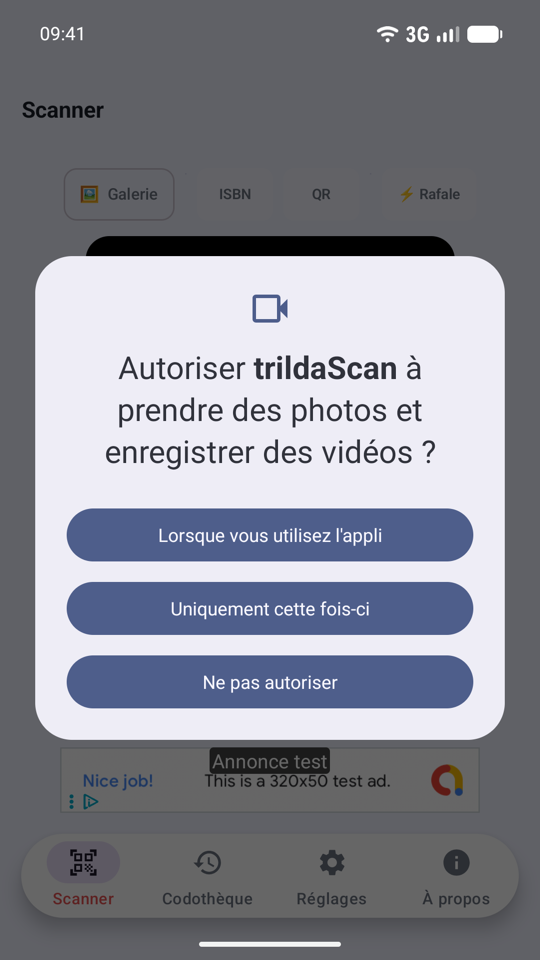
French, on Android
Features
What it reads. Thirteen symbologies, from retail barcodes to two-dimensional codes:
- EAN-13, EAN-8, UPC-A, UPC-E: products and books.
- QR Code, Data Matrix, PDF 417, Aztec.
- Code 128, Code 39, Code 93, Codabar, ITF: labelling, logistics, internal use.
Automatic lookup. A book is looked up in Open Library, Google Books and the French National Library (BnF); a food product in Open Food Facts. Only the code is sent. The sources are asked in the order you choose in Settings, and each one can be switched off.
French medicine boxes. The Data Matrix of a medicine box is read field by field: product code, batch, expiry date. For a box sold in France, trildaScan can show its name, from the public French medicine database, downloaded when you ask and then read offline. It names a box and gives no medical advice; a link leads to the box's public Vidal page.
Every code in its place. trildaScan keeps the format of a code apart from the nature of what it carries. A QR Code may hold:
- a web address, an email, a phone number, an SMS;
- a geographic point, a Wi-Fi key;
- a contact card (vCard, MeCard), added to your address book in one tap;
- an event (iCal), added to your calendar, time zone included.
Your library. Any scan can be kept. The library is local and available offline, with filters by format and by content type. Add your own note or link to any record. When you ask, a copy of the library is saved to a WebDAV server of your own.
Comfortable scanning.
- Burst mode to run through codes without stopping at each result.
- Torch, pinch zoom, tap to focus.
- The camera sleeps when the phone is put down, and wakes when you pick it up.
- Reading from an image already in your gallery.
- Navigation suited to left-handed and right-handed use alike.
- Light, dark or system theme.
- English and French, with right-to-left script support.
Respectful of your device. To add a contact or an event, trildaScan opens your phone's own screen, prefilled, and you confirm: the app never writes to your address book or your calendar itself, and asks for no permission to do so.
Legal
Other languages: see all legal documents.